| https:///weradocs/WeraDesk_How.shtml |
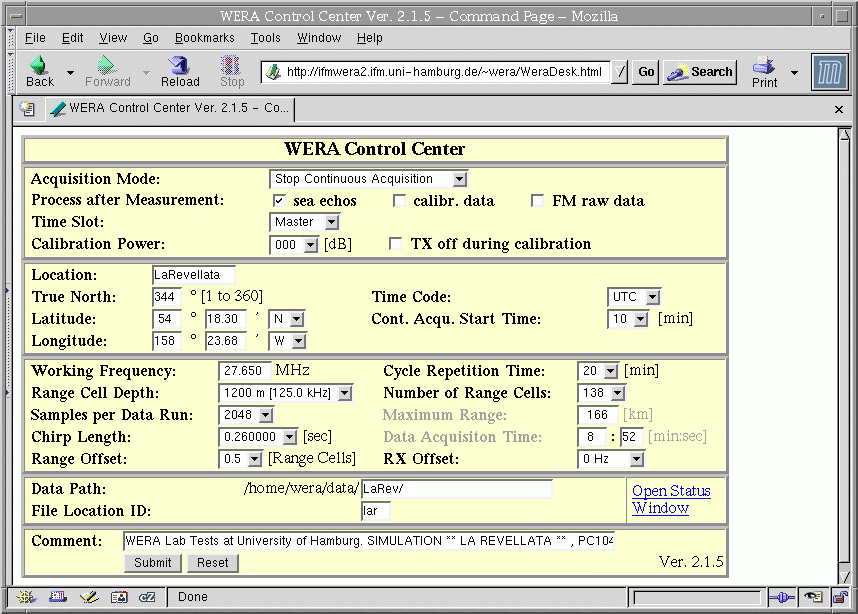
This action activates the script /home/wera/public_html/cgi-bin/WeraDesk:
#!/bin/bash # WeraDesk.sh www interface for WeraDesk /home/wera/public_html/cgi-bin/echo2file [1] /home/wera/public_html/cgi-bin/Proc_WeraDesk [2] cat /home/wera/public_html/WeraDesk.html [3] exit |
1. The program /home/wera/public_html/cgi-bin/echo2file
receives the parameters filled in the html-form and saves them to
/home/wera/etc/WeraDesk.tmp .
2. This intermediate file is read in by
/home/wera/public_html/cgi-bin/Proc_WeraDesk ,
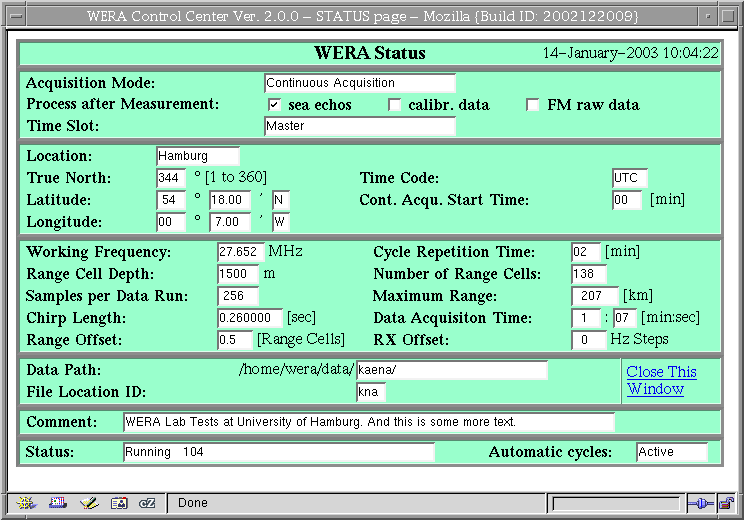
which modifies the original html-form and status pages at
(a) /home/wera/public_html/WeraDesk.html and
(b) /home/wera/public_html/Wstatus.shtml,
and creates a control file
/home/wera/weractrl/ctrl_data.cpy
which is passed to
/home/wera/weractrl/mkcron.
mkcron modifies the crontab-file to schedule calls to
stm if 'continuous acquisition'
is started/stopped,
or starts a measurement cycle by calling
stm directly.
3. The command
cat /home/wera/public_html/WeraDesk.html
redisplays the modified form in the browser.