| https:///weradocs/WeraDesk_User.shtml |
Last update:
|
WeraDesk Web Interface Documentation - User's Guide
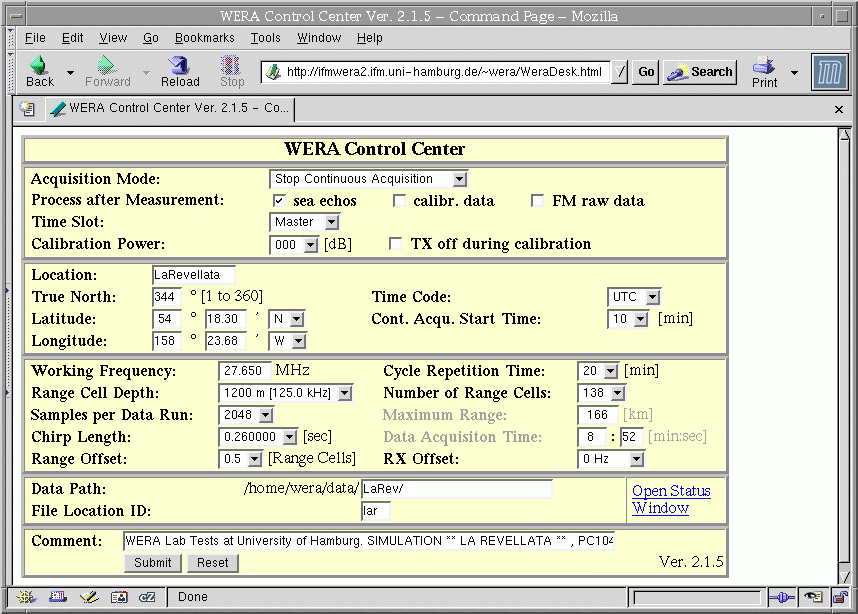
To start WeraDesk from a browser,
enter the following URL:
http://myhost.mydomain/~wera/WeraDesk.html
To dynamically update the
'Maximum Range' and 'Data Acquisition Time'
fileds, Javascript has to be enabled for the browser.
Do not enter values into these two fields.
If you allowed JavaScript to open unrequested windows, a window
showing the current WERA status
will automatically pop up.
Clicking on 'Open Status Window' opens the status window manually.
To find information on the values to be entered into the fields, please
click at these fields.
Comments to:
gurgel@ifm.uni-hamburg.de
(Klaus-Werner Gurgel)